
iOS app
Radar Tilt
A weather-radar tilt trainer and calculator for pilots. See the beam, practice a tilt aim, and compare curved-earth geometry with the usual rule of thumb. One-time purchase, $1.99. No subscription.
Coming soon to the App Store
One-time purchase, $1.99. No subscription.
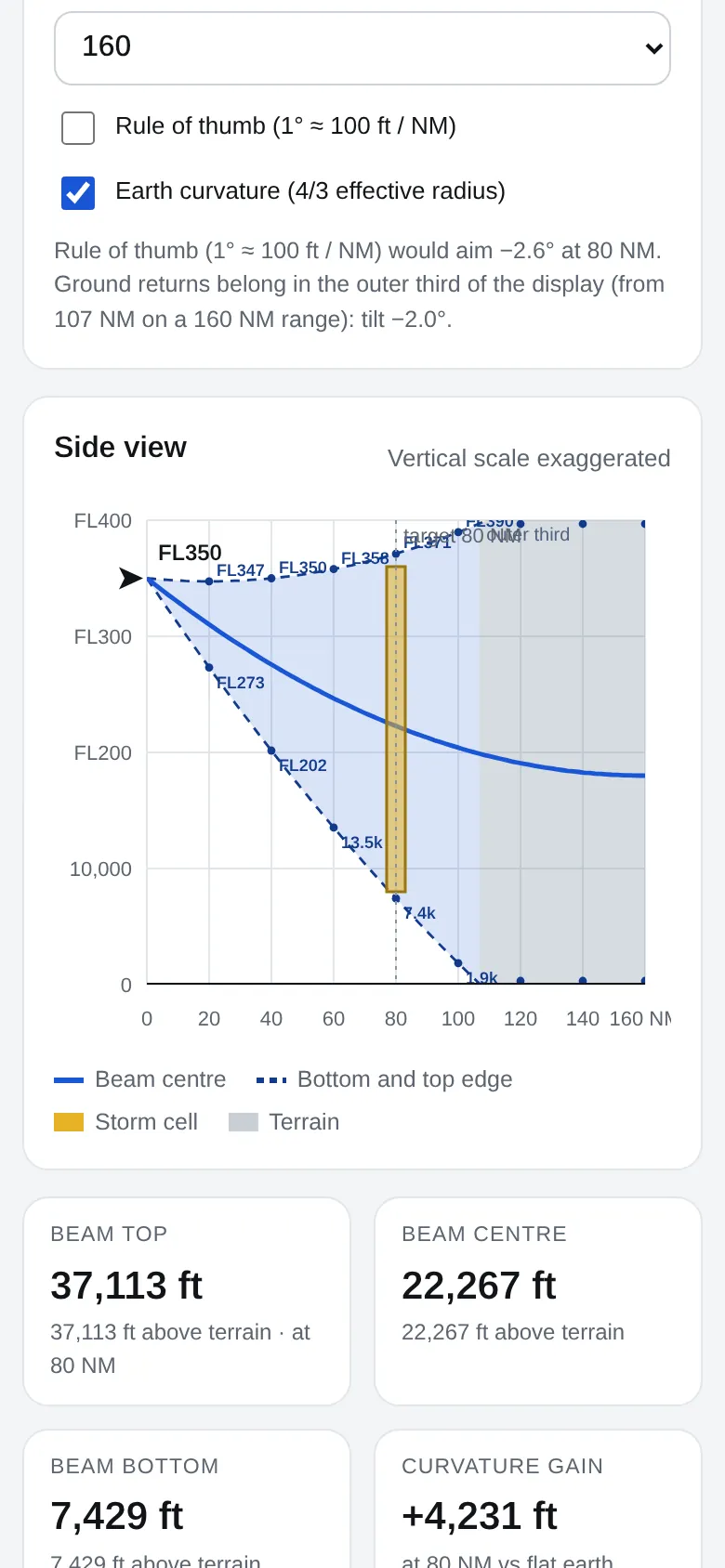
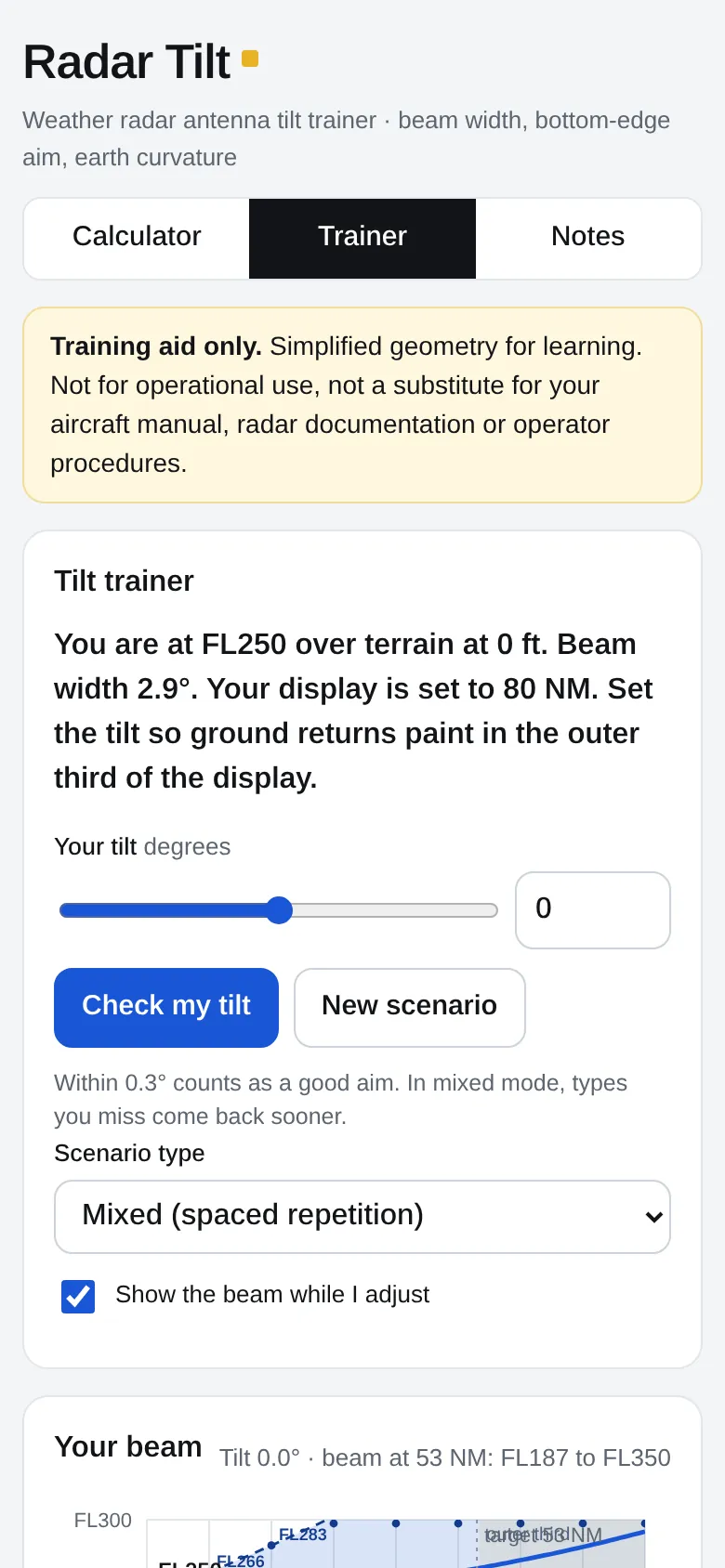
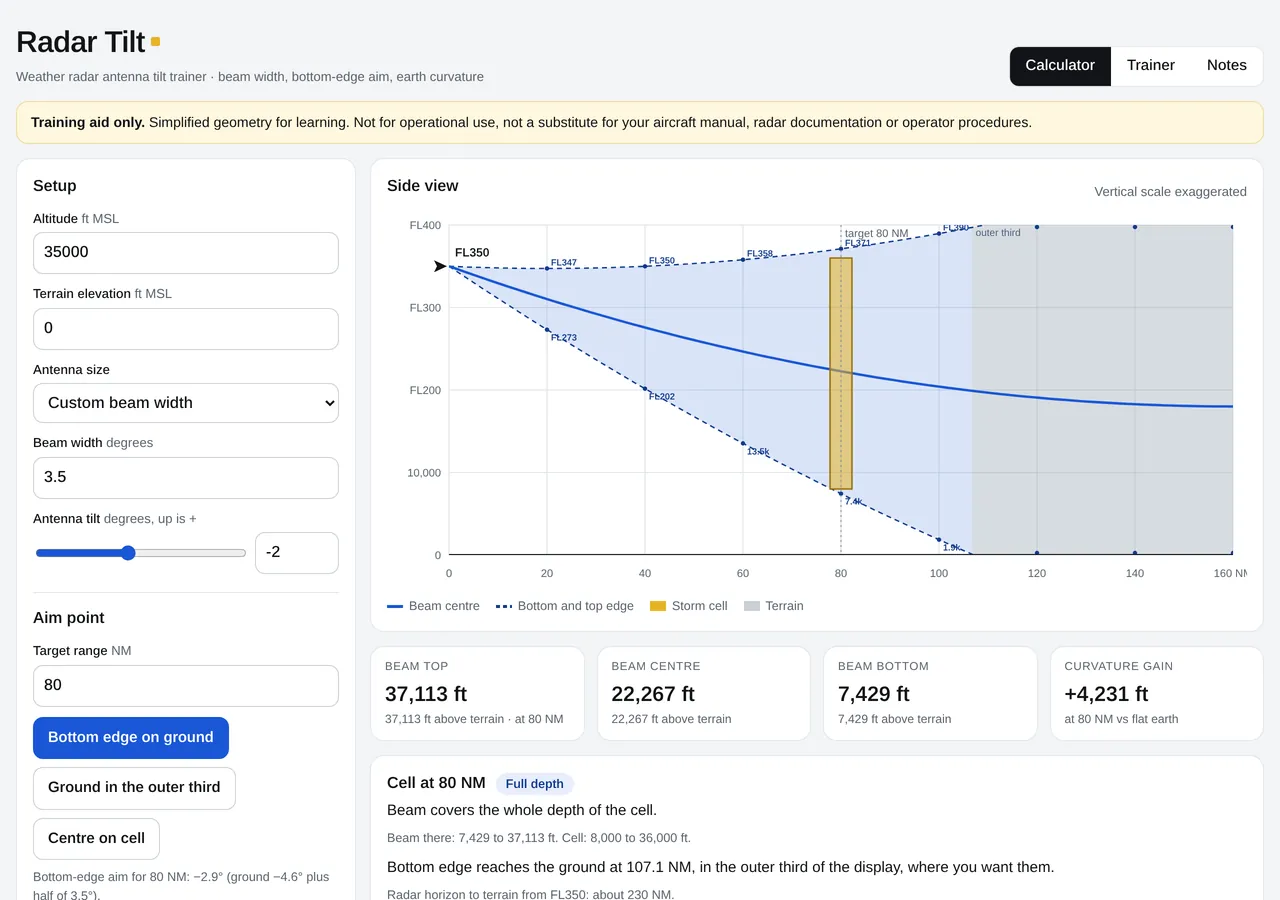
Radar Tilt is a weather-radar tilt helper and trainer for pilots. It shows what a tilt setting does to the beam — centre, top, and bottom — against terrain and a storm cell, and it lets you practice the aims you use in the air.
Features
- A calculator for altitude, terrain, antenna size or a custom beam width (default 3.5°, editable), tilt, target range, and a storm cell.
- A side view of the beam, with the outer third of the display shaded and heights labeled at the range rings.
- Half-beam-width bottom-edge aim: the tilt that puts the bottom edge of the beam on the ground at a chosen range.
- A “ground in the outer third” aim for the selected plot range, plus a verdict for whether ground returns would sit in the inner, middle, or outer third.
- Earth curvature using a 4/3 effective earth radius, with a toggle to compare a flat-earth model, curvature gain, and the radar horizon.
- An optional 1° ≈ 100 ft/NM rule of thumb, with a comparison against the curved-earth aim always shown.
What's included
Three tabs: Calculator, Trainer, and Notes. The trainer offers mixed, bottom-edge, outer-third, and cell-centre scenarios. After each answer it explains the result, including the rule-of-thumb comparison. In mixed mode, missed types come back sooner (spaced repetition). Your score stays on your device. The notes tab covers the model, rules of thumb, and limits. A training-aid banner is on every screen.
Who it's for
Professional pilots who want a clearer picture of weather-radar tilt — where the beam centre and edges go, why curvature matters at longer range, and how to practice a bottom-edge or outer-third aim. It is a geometry trainer, not a substitute for your aircraft manual, radar documentation, or operator procedures.
FAQ
How much does Radar Tilt cost?
One-time purchase, $1.99. No subscription.
Is Radar Tilt for use in flight?
No. It is a training aid only. It uses simplified geometry for learning. It is not for operational use and is not a substitute for your aircraft manual, radar documentation, or operator procedures.
What is a bottom-edge aim?
A tilt setting points the centre of the beam. A bottom-edge aim adds half the beam width so the bottom of the beam meets the ground at the range you chose.
Does it include earth curvature?
Yes. The calculator uses a 4/3 effective earth radius by default and can be compared with a flat-earth model. It also shows curvature gain and the radar horizon.
Is there a practice mode?
Yes. The trainer gives you random scenarios (bottom edge on the ground, ground in the outer third, or centre on a cell). In mixed mode, types you miss come back sooner.
Disclaimer
Radar Tilt is a training aid only. It uses simplified geometry for learning. It is not for operational use and is not a substitute for your aircraft manual, radar documentation, or operator procedures. It may contain errors or inaccuracies. Always follow your company manuals and approved radar guidance.